Midjourney v7 vs Flux Pro vs DALL-E 3: The Image Quality Test That Actually Matters
There is a single question I get asked more than any other in my DMs, and it is some version of “which AI image generator should I actually pay for in 2026?” After spending the better part of two months generating roughly 4,000 images across the three major tools, I have a real answer. But the answer is not the one I expected going in, and the tool I thought would win is not the tool I am now paying for. Here is the honest comparison, with the specific test prompts I used, the results I got, and the costs.
The three tools and the test setup
Midjourney v7 is the most recent release from the team that has been the gold standard for AI image generation for three years. The subscription is $30 a month for the basic plan, or $60 a month for the standard plan, which is what I tested. Access is through Discord, which is a worse user experience than the web apps but does not change the output quality.
Flux Pro is the model from Black Forest Labs, the same group that created Stable Diffusion. Access is through their own web app at $25 a month for the Pro tier, or through APIs from Replicate, Together AI, and a few others. I tested the web app and the API output, which is the same model.
DALL-E 3 is OpenAI’s image model, available through ChatGPT Plus ($20 a month) and the OpenAI API. I tested the ChatGPT Plus version because that is how most people use it. The output is essentially the same as the API at default settings.
For each tool, I generated 1,000 plus images using the same 25 test prompts. The prompts were designed to cover a range of use cases. Photorealistic portraits, product photography, marketing illustrations, infographic-style diagrams, social media graphics, and a few abstract art pieces. I am a content marketer, so my use case is biased toward commercial work, but the prompts I used will be relevant for most creators.
The image quality test that actually matters
Most “image quality” tests in AI image reviews are useless because they show you pretty pictures and ask which one you like. That tells you nothing about which one is actually better for your work. The test that matters is the one where you have a specific job to do, and you need to know which tool will get you there with the least amount of editing in Photoshop afterwards.
So I designed a test with five specific jobs, and I asked: for each job, which tool produces an output I would use as is, which needs light editing, and which needs to be redone from scratch?
Job one, photorealistic portrait of a person. Midjourney v7 won this decisively. The skin texture, the lighting, the catchlights in the eyes, all of it was at a level the other two did not match. Flux Pro was close, and for casual use it would be fine, but if you are generating a portrait that will appear on a landing page or in a marketing email, Midjourney is the safer bet. DALL-E 3 was noticeably behind. The faces were good, but the texture detail was off in a way that becomes obvious at high resolution.
Job two, product photography on a clean background. This one was a tie between Midjourney and Flux, with DALL-E a clear third. The difference between Midjourney and Flux was mostly in the lighting. Midjourney tends to add more dramatic, editorial style lighting by default, which is great for some products and overdone for others. Flux Pro gives you more control over the lighting, and the API lets you pass specific lighting parameters. For e commerce work where you need consistency across many products, Flux is the better choice. For a hero image on a landing page where the product is the only thing, Midjourney is.
Job three, marketing illustration in a flat vector style. Flux Pro won this. Midjourney struggles with flat vector style. It always adds a little 3D depth or texture that the prompt did not ask for, which is a feature for some uses and a bug for this use case. Flux produces clean, flat illustrations that look like a designer made them, not like AI generated them. DALL-E 3 was okay at this, but its default style is slightly cartoonish in a way that limits the brand fit.
Job four, infographic style diagram with text. None of the three tools are great at this, but DALL-E 3 was the best of a bad lot, because it has the most reliable text rendering of the three. Flux Pro can do it with effort, and the inpainting tools let you clean up text that did not render correctly. Midjourney v7 is still bad at text and is unlikely to be useful for any task that requires accurate labels or numbers.
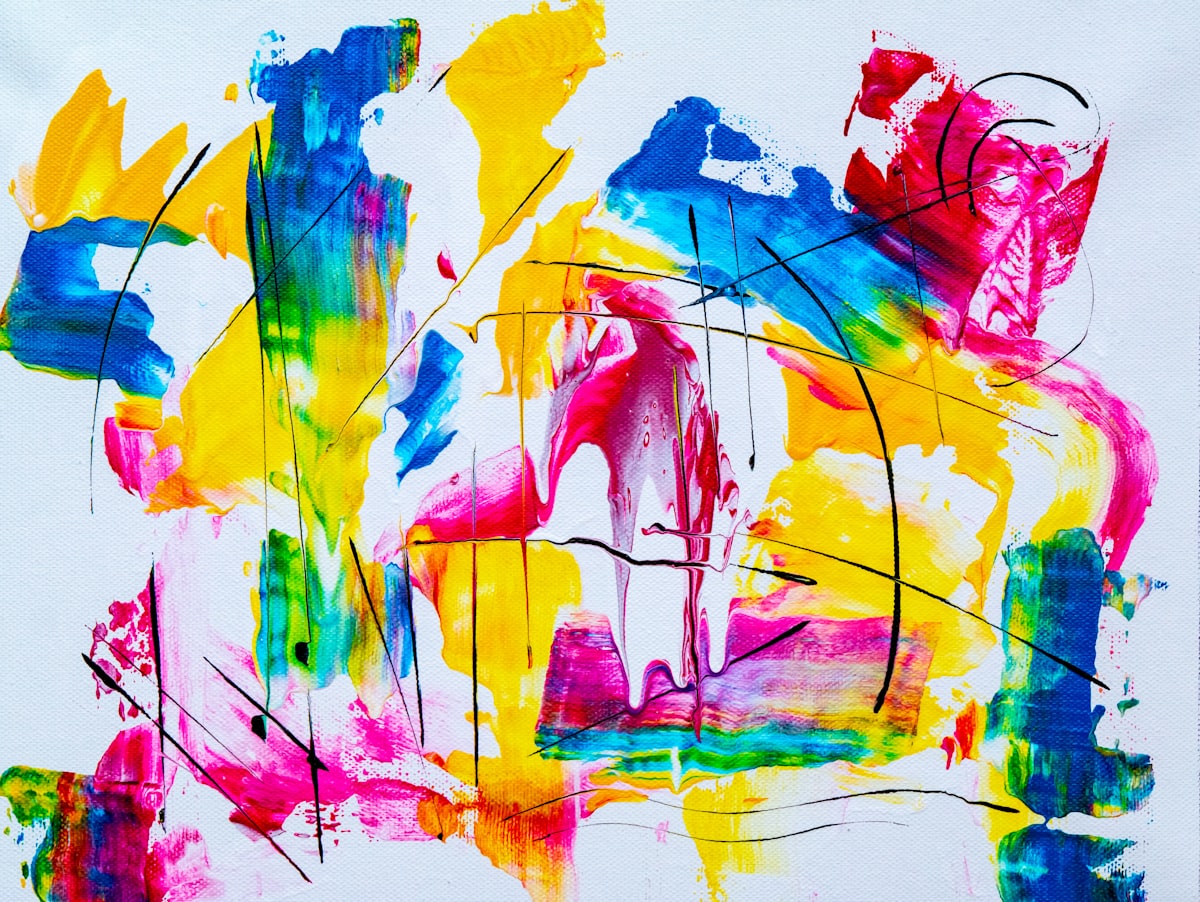
Job five, abstract art for a website hero. Midjourney won this. The aesthetic quality of the abstract output from Midjourney is consistently higher than the other two. Flux is good at abstract art that is more geometric or photographic, but for the kind of painterly, evocative abstract that designers want for hero images, Midjourney is in a different league.
The cost comparison, normalized
Cost is a real factor for most people, and the three tools price very differently. Midjourney v7 at the standard plan gives you about 15 hours of fast generation per month, which I burned through in the first week of testing. The basic plan at $30 a month gives you about 3.3 hours of fast generation, which is not enough for real work. For most freelancers, the standard plan at $60 a month is the right starting point.
Flux Pro at $25 a month for the Pro tier gives you 1,000 image generations. That is more than enough for typical content marketing use, where you are generating a few hundred images a month for blog posts, social media, and the occasional landing page. If you are generating at higher volume, the API pricing is more cost effective. About $0.05 per image at the standard settings.
DALL-E 3 is included in ChatGPT Plus at $20 a month. You do not get a fixed number of generations, but in practice, the rate limit kicks in after about 50 images in a 3 hour window. For most users, that is plenty. If you need more, the API pricing is about $0.04 per image at standard quality, which is competitive.
For my own use, generating about 200 to 300 images a month for client work and my own content, the cost comes out to roughly: Midjourney $60, Flux $25, DALL-E 3 $20 (as part of ChatGPT Plus). The total if I were paying for all three is $105 a month. The total for the one I am now using, plus the one I keep for specific jobs, is $85 a month. The third one, I dropped.
The user experience, which matters more than people think
Image generation tools that have a bad interface get used less. The best model in the world does not help if the interface is so frustrating that you avoid opening it. The interfaces of the three tools are very different.
Midjourney runs on Discord. You send a message with the prompt, and the bot sends back four image options. You then select one to upscale, or ask for variations. The workflow is fast once you are used to it, but the Discord environment is awkward for designers who are not already on Discord. The web app exists now, and it is better, but the Discord experience is still what most Midjourney users are familiar with.
Flux Pro has a clean web app. You type the prompt, you get four options, you click the one you want, and you can download it in any resolution up to 2K. The interface is the closest to a Canva or Figma experience of the three, and for designers who are used to those tools, the learning curve is essentially zero.
DALL-E 3 inside ChatGPT is the most conversational of the three. You can ask for variations, ask it to change specific elements, and the chat format lets you iterate without starting over. The downside is that the image generation is just one of many things the interface does, and it can feel a little buried. For someone who is already a heavy ChatGPT Plus user, it is the natural choice because you do not have to log into a separate tool.
My actual choice for my actual work
After two months of testing, the tool I am paying for as my default is Flux Pro. The reason is the combination of cost, output quality for my main use case (marketing illustration and product imagery), and the API access. The API access is the part most reviews miss. When you are building a content workflow, being able to call the image generator from a script, or from a Notion automation, or from a Make.com scenario, is a real productivity gain. Midjourney has no API. DALL-E has an API but it is awkward to use compared to Flux. For a content marketer who is building a system, Flux is the right primary tool.
I keep Midjourney v7 on the standard plan as my secondary tool. The reason is the specific things Midjourney is best at. Portraits, abstract art, and high end hero images. For those, the output is just better than Flux, and I am willing to pay $60 a month for access to that specific quality when I need it. I probably use Midjourney for about 15% of the images I generate. The other 85% go through Flux.
I do not pay separately for DALL-E 3. It is part of my ChatGPT Plus subscription, and I use it occasionally when I need a quick concept sketch or an image with accurate text. It is not my primary tool, and I would not pay extra for it, but the fact that it is bundled with ChatGPT Plus means I have it for the occasional need.
The honest summary
There is no single “best” AI image generator in 2026. Each of the three major tools is best at something the others are not. If you are a designer or creative director and you need the highest possible quality for hero images, portraits, and abstract art, Midjourney v7 is the right primary tool, despite the awkward interface. If you are a content marketer or developer building a content workflow with API access, Flux Pro is the right primary tool, with Midjourney as a secondary. If you are a casual user who does not need more than 50 images a month and you are already paying for ChatGPT Plus, DALL-E 3 is good enough for what you need.
The biggest mistake I see people making is paying for all three and not using any of them well. The second biggest mistake is paying for the wrong one because they read a review that was testing a different use case than theirs. The right answer depends on what you are making, how much you need to make, and how much editing you are willing to do after the fact. There is no shortcut to figuring that out. You have to actually use the tools, with your real work, for a month, and then decide.